Guides · Invoicing basics · Updated August 16, 2026
Invoice Statuses Explained: From Draft to Paid
Every invoice lives a small life: drafted, sent, seen, maybe partially paid, hopefully settled. Naming those stages — even in a simple spreadsheet — is what separates businesses that know who owes them money from businesses that feel it. Here is the standard lifecycle and how to track it without accounting software.
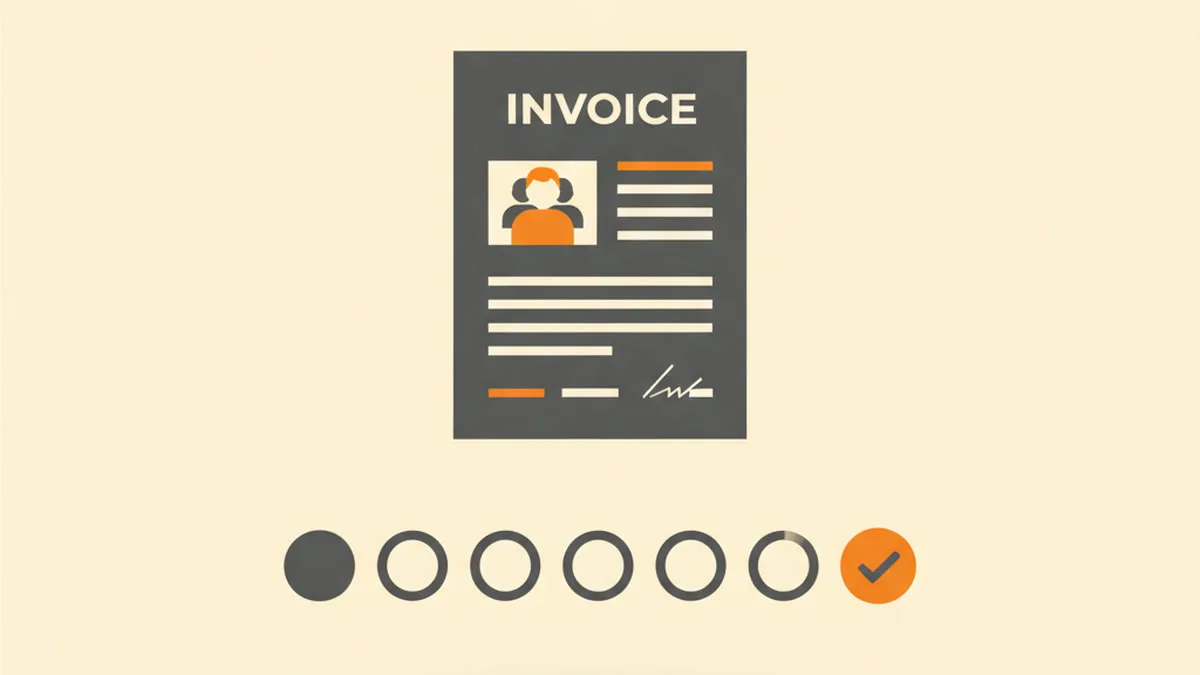
The standard invoice lifecycle
| Status | What it means | What you do in it |
|---|---|---|
| Draft | Created, not yet sent | Check details against the work and the agreement |
| Sent | Delivered to the client | Note the date; schedule a pre-due reminder |
| Viewed | Client opened it (when your channel shows it) | Nothing — but silence after viewing is a signal |
| Partially paid | Deposit or instalment received | Record the amount; the invoice shows balance due |
| Paid | Settled in full | Confirm receipt to the client; archive |
| Overdue | Past due date, unpaid | Start the follow-up sequence |
| Void / cancelled | Withdrawn (error, cancelled job) | Keep it — never delete or reuse its number |
Why statuses matter even for one freelancer
Statuses turn "I think Acme still owes me" into "Acme has invoice #124, viewed, 6 days overdue — reminder goes out today." That precision changes behavior on both sides: you follow up on time because the system tells you to, and clients pay faster because your follow-ups are consistent. It also gives you the one number every business should know cold: the total currently outstanding.
Create the invoice first — free, in minutes — no signup, no watermark, and your PDF is ready in seconds.
Tracking statuses without software
A spreadsheet with six columns covers a surprising amount of business: invoice number · client · amount · sent date · due date · status. Update it when you send, when money arrives, and once a week on a fixed day. That weekly pass is the whole system — it is when "sent" quietly becomes "overdue" and triggers your reminder email .
Two details make it robust: number invoices in one unbroken sequence so nothing can vanish unnoticed, and record partial payments on the invoice itself — an "amount paid" line with the remaining balance due (our deposit guide shows the pattern) keeps the document and your tracker telling the same story.
Frequently asked questions
What status does a disputed invoice get?
Keep it "sent" or "overdue" and add a note — a dispute pauses the relationship, not the record. Resolve the question, adjust or re-issue if needed, and the lifecycle continues.
Can I delete a cancelled invoice?
Mark it void and keep it. Deleting creates a gap in your numbering that you — or an accountant — will have to explain later. Voided documents with intact numbers are boring, and boring is what you want in an audit.
When should "overdue" trigger action?
The day after the due date, automatically and unemotionally. The full escalation path — from friendly nudge to formal collection letter — is mapped in our overdue-invoices guide.
Keep reading
Create your invoice now — free — no signup, no watermark, and your PDF is ready in seconds.