Guides · Invoicing basics · Updated August 12, 2026
What Should an Invoice Include? The Complete Checklist
Wondering what information goes on an invoice? Here is the full checklist — the fields every professional invoice should include, the details that make you get paid faster, and the extras you can safely skip. Use it to review your own invoice before it goes out.
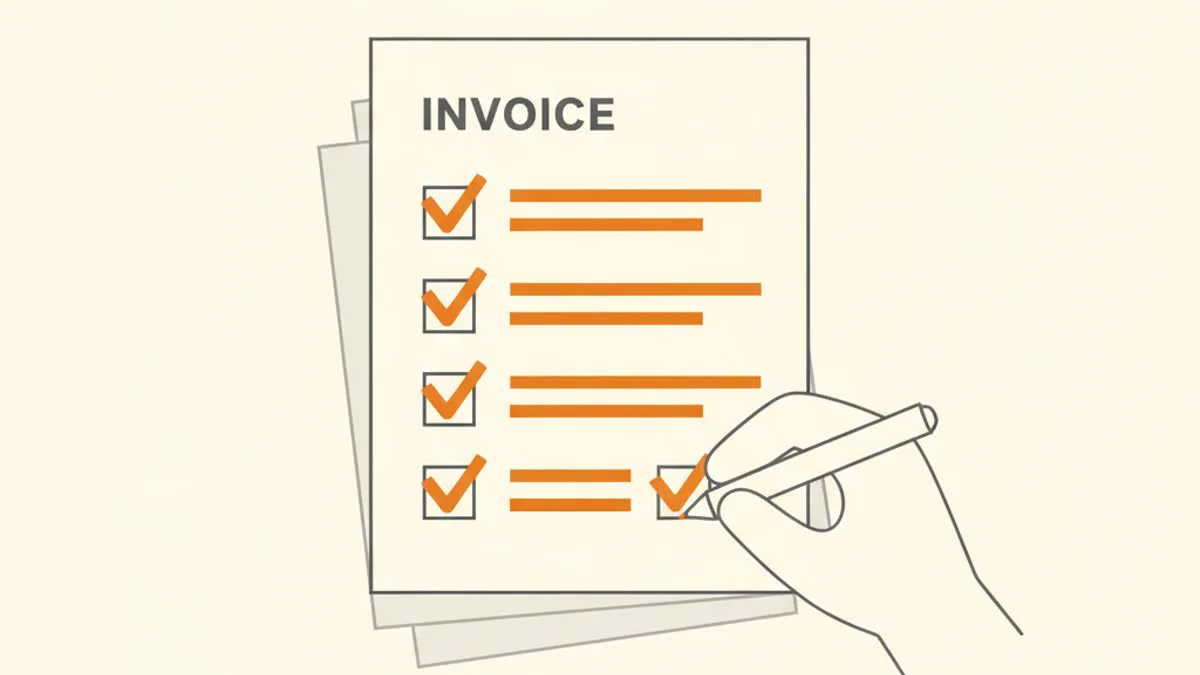
The essentials — every invoice needs these
- The word "Invoice" — say what the document is, prominently, so it is filed and processed as one.
- A unique invoice number — the reference both sides use to track and pay it. See our guide to invoice numbers for systems that work.
- Your details — your name or business name, address, and email. Add a phone number if clients call you. In licensed trades — plumbing, electrical work — the license number belongs here too, next to the business name.
- Your client's details — the "Bill to" block: company or person, contact name, and their billing address or email.
- Issue date and due date — when the invoice was sent and when payment is expected. Pair the due date with explicit payment terms such as Net 15 or Net 30.
- Line items — one row per product or service: description, quantity or hours, rate, and amount. Specific descriptions get approved without questions.
- Totals — subtotal, any tax, discount or shipping, and the final total due, clearly the biggest number on the page.
- How to pay — bank transfer details, PayPal, or whatever you accept. Missing payment instructions are one of the most common causes of late payment.
Build an invoice with all of this — free — no signup, no watermark, and your PDF is ready in seconds.
Strongly recommended — they speed up payment
- A PO or reference number — if your client issued a purchase order or project code, put it on the invoice; accounts-payable teams match invoices to POs before paying.
- Payment terms in words — "Net 30", "Due on receipt" — alongside the explicit due date.
- A short note — a thank-you or a project reference keeps the document human and identifiable.
- Tax details where applicable — if you charge sales tax, VAT or GST, show the rate and amount separately. Which tax identifiers your invoice must carry depends on your jurisdiction — check the rules that apply to you or ask an accountant.
What you can skip
Long legal boilerplate nobody reads, marketing copy, and decorative clutter. An invoice is a payment request: everything on it should either identify the parties, describe the work, state the amount, or explain how and when to pay. If a field does none of those, it is noise.
The 30-second pre-send check
- Does the math add up, and is the total unmissable?
- Is there a due date, and does it match what you agreed?
- Can the client pay without emailing you a question?
- Is it going to the right inbox — the one that pays invoices?
- Is the invoice number unique and in sequence?
Our free invoice generator covers this checklist by design — totals calculate themselves, the due date and terms are first-class fields, and the PDF comes out clean and complete. For the full walkthrough, see how to create an invoice.
Frequently asked questions
Is there a legally required list of invoice fields?
It varies by country and by whether you charge taxes like VAT or GST. The checklist above covers standard professional practice; for the formal requirements of your jurisdiction, ask a local accountant.
Do I need my logo on the invoice?
It is not required — clear business details are. A logo adds polish and recognition, so add one if you have it.
Should I include my bank details on every invoice?
If bank transfer is how you get paid — yes, every time. Do not make the client look up how they paid you last quarter.
Keep reading
Create your invoice now — free — no signup, no watermark, and your PDF is ready in seconds.