For professionals · Updated August 14, 2026
Free Contractor Invoice Generator
Create a professional contractor invoice and download the PDF free — labor and materials on separate lines, deposits deducted, job reference on the page. No signup, no watermark, ready before you leave the site.
Create your contractor invoice- No signup
- No watermark
- Deposits & balance due
- No ads, ever
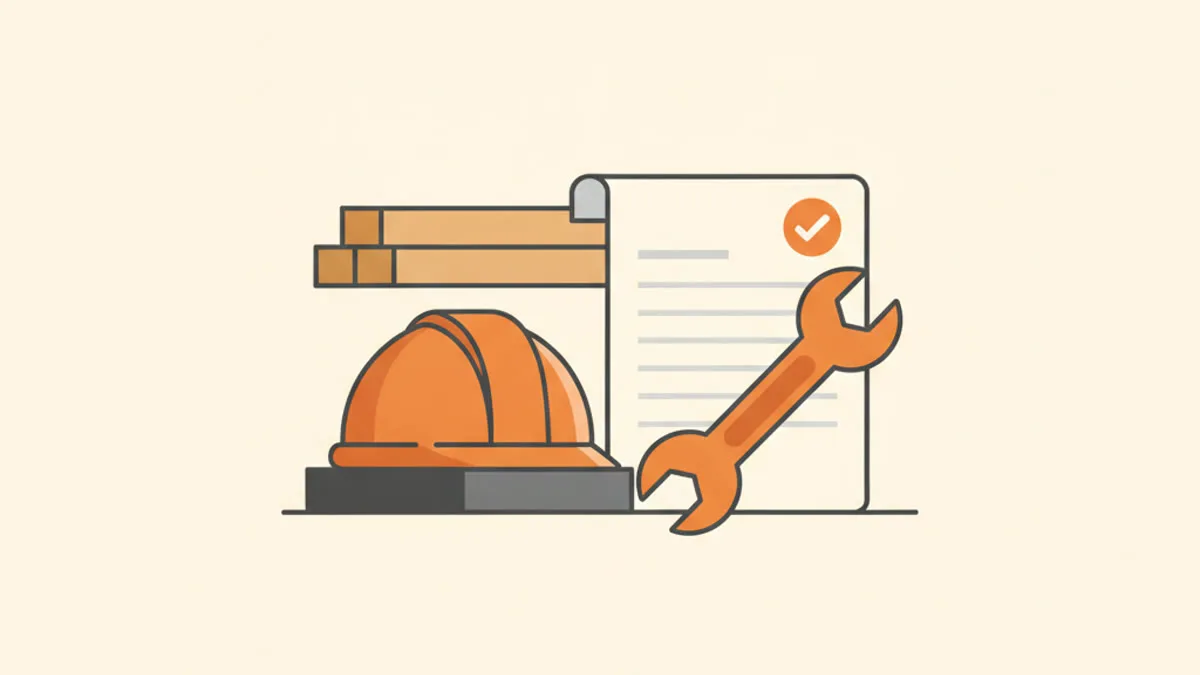
Labor and materials: the contractor invoice pattern
A contractor invoice that gets approved fast keeps labor and materials on separate, specific lines. The person paying can see the hours, the parts and the math without calling you:
| Line item | Qty × rate | Amount |
|---|---|---|
| Labor — bathroom tile removal & prep | 9 hrs × $75 | $675.00 |
| Labor — tile installation | 14 hrs × $75 | $1,050.00 |
| Materials — porcelain tile, thinset, grout | 1 × $612.40 | $612.40 |
| Disposal & haul-away | 1 × $120 | $120.00 |
Whether you bill materials at cost or with a markup is between you and your client — what matters on the invoice is that the line is specific enough to match receipts if anyone asks. Put the job address or reference right on the invoice (the notes field works well): companies paying for several sites file invoices by job.
Build your contractor invoice now — free — no signup, no watermark, and your PDF is ready in seconds.
Deposits and progress payments, without special software
- Deposit to book the job. Invoice it as its own document ("Deposit — kitchen remodel, 123 Oak St") before work starts — typical sizes and wording in our deposits guide.
- Final invoice shows what's already paid. Add an Amount paid line in the generator and the PDF prints the remaining balance due — the client sees the deposit was counted.
- Bigger jobs, staged billing. Invoice each stage as completed ("Progress payment 2 of 3 — framing complete") with its own invoice number.
Getting paid on contractor timelines
- Homeowners: due on receipt or Net 7. The job is done, the value is visible — short terms are normal and expected.
- GCs and property managers: ask their cycle. Many pay on fixed schedules; match the invoice to their process and send it to the right AP inbox.
- State the late policy you agreed. If your contract includes a late fee, restate it in the terms — our late fee guide covers wording that holds up.
Contractor invoicing FAQ
Should materials include my markup?
That is a business decision, not an invoicing one — both "at cost plus a handling line" and "marked-up single line" are common. Keep the line specific either way, and stay consistent across a job.
How do I show a deposit was already paid?
Use the Amount paid line: the invoice then totals the full job and prints the balance due after the deposit. No spreadsheet math on the side.
Do I need to attach receipts for materials?
Only if your agreement says so. Many contractors keep receipts on file and provide them on request — the invoice line just needs to be matchable.
What about taxes on labor vs materials?
Sales-tax rules for contractors vary a lot by state and job type. The generator lets you set tax as a percentage or a fixed amount — which one applies to your situation is a question for a local accountant.
Can I use this on my phone at the job site?
Yes — the generator works in any mobile browser, and your draft auto-saves locally so nothing is lost between the site and the truck.
Keep reading
Create your contractor invoice — free — no signup, no watermark, and your PDF is ready in seconds.